
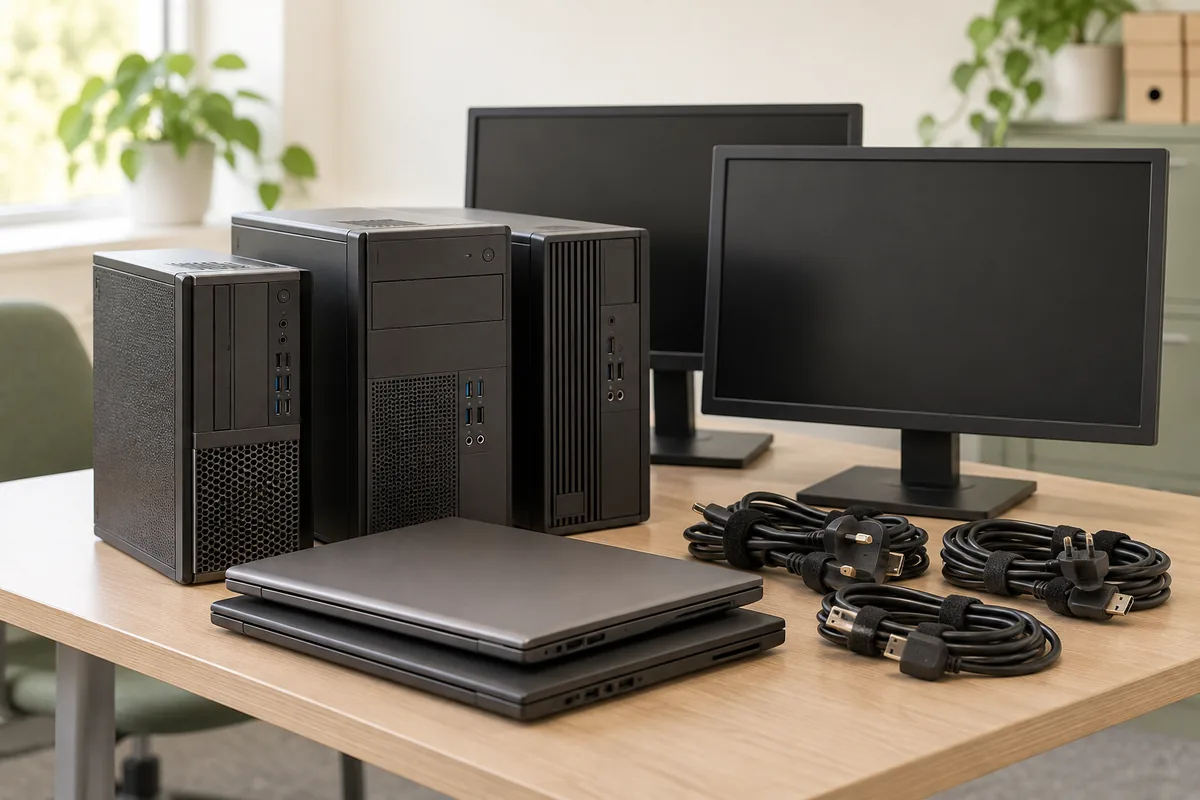
Start with devices, not a box labelled electronics.
Separate laptops, desktop computers, monitors, printers and loose storage devices on the list. Add approximate quantities, condition and any bulky equipment. Include peripherals and furniture that also need collecting, without counting the same equipment twice.
You do not need to upload a full asset register to start a quote. If serial-number tracking or an itemised handover record is required, ask how it will be managed and agreed separately.
A broken device may still contain information.
A computer that will not start can still contain accessible data. Printers, removable drives and other devices with permanent memory can hold information too. Deleting files or reformatting is not a dependable substitute for an appropriate secure process.
Ask your IT owner to decide what records must be retained and which devices need controlled handling. Do not photograph open files, customer labels, passwords or screens for the collection request.
Name the data service you need.
Secure sanitisation reduces the chance that data can be recovered; physical destruction is a different route that prevents further use of the affected media. The suitable method depends on the storage and the information involved. Follow your organisation’s policy and qualified IT advice rather than attempting a generic wipe.
If a third party will handle the data, agree responsibilities, the handover process and the evidence required. WeMovers equipment collection does not automatically provide erasure, secure destruction or a destruction certificate.
Useful next steps
Describe condition and unusual equipment.
Tell us about damaged devices, leaking or swollen batteries, loose batteries and anything with unknown contents. Do not open equipment, remove embedded batteries or power up a faulty device to improve the description. Ask about acceptance and suitable handling first.
Unwanted electrical equipment needs assessment for the appropriate waste route. A working device is not automatically suitable for donation, and a recycling request does not guarantee every component can be recycled.
Price the collection and any specialist work separately.
Provide quantities, floors, lift arrangements, loading access and the contact who can release the equipment. Large printers, racks or fixed equipment need a clear description of how they are installed; disconnecting or dismantling them is not automatically included.
Ask which parts of the proposal cover collection and which cover any agreed specialist service. Some requests need more detail before a total can be confirmed. An equipment list or preferred date alone does not book the collection.
Useful next steps
Consider reuse, then keep the right records.
Check whether usable equipment can stay within your organisation, return to its supplier under an existing arrangement or go to a confirmed recipient. Resolve ownership, data handling and acceptance before deciding that route.
At collection, have the authorised contact identify what may leave and what must stay. WeMovers payment is due on completion, with a waste transfer note for the collection. Keep any separately agreed device or data-processing records alongside it; one document does not replace the other.
Useful next steps
Your next steps
- Identify computers, storage media and other devices that may hold data.
- Have the responsible person approve what can leave.
- Agree specialist handling and evidence before the visit.
- Provide access details without sharing passwords or customer information.
List the equipment, quantities and access. Identify any data-handling requirements without sharing passwords or confidential information.
Request my IT collection quoteSee your options before deciding. Nothing is booked yet.Common questions
Will a factory reset be enough?
Do not assume so. The right process depends on the device, storage and information involved. Ask your IT owner to approve the method and any required verification.
Can we send photos instead of an inventory?
Photos can show quantities and size, but they cannot prove data is removed. Keep confidential information out of view and include a written list of known device types.
Can desks and chairs be collected at the same time?
Include them in the request. Keep data-bearing equipment clearly identified, and agree all handling requirements before the collection.
Sources and further reading
Checked 12 October 2026. Follow the source links for current acceptance rules and local arrangements.